Common DTF Printing Problems and Effective Solutions
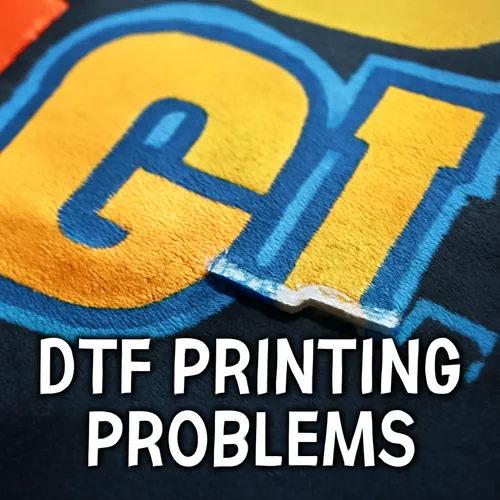
Direct to Film (DTF) printing is a popular method for producing high-quality prints on various fabrics. However, like any printing technique, it comes with its own set of challenges. This guide will explore common DTF printing problems and provide actionable solutions to help you get the best results.
1. Ink Smudging
Ink smudging can occur when the ink does not adhere properly to the transfer film. This can lead to blurry or unprofessional prints.
Solution: Ensure that you are using high-quality inks compatible with your DTF printer. Also, check that your film is clean and free from dust. Adjusting the curing temperature and duration can further improve ink adhesion.
2. Inconsistent Print Quality
Inconsistent print quality can manifest as color variations or pixelated images. This problem can stem from various sources, including low-quality films or incorrect printer settings.
Solution: Regularly calibrate your DTF printer and use a reliable RIP software. Moreover, opt for high-resolution images and check the film specifications for compatibility.
3. Poor Adhesion to Fabrics
A common issue encountered with DTF printing is poor adhesion of the printed design to the fabric, leading to peeling or cracking.
Solution: Pre-treat fabric with a suitable adhesive if necessary. Additionally, make sure to apply sufficient heat and pressure during the transfer process, as inadequate curing can weaken adhesion.
4. Clogged Print Heads
Clogged print heads can disrupt the flow of ink and result in incomplete prints or streaks. This issue is especially common if the printer is not used regularly.
Solution: Perform routine maintenance by cleaning the print heads regularly and using appropriate cleaning solutions. Running a nozzle check can help identify clogs before they become a more significant issue.
5. Color Misalignment
Color misalignment occurs when the colors in a multi-colored print do not line up correctly, creating a blurry or shadowed effect around the edges.
Solution: Verify that your printer’s alignment settings are correctly configured. Use test prints to fine-tune the alignment before moving on to larger projects.
6. Visible White Borders
Visible white borders around the design can detract from the overall appearance of the final print. This often results from improper cutting of the transfer film.
Solution: Ensure that you are accurately setting the correct margin sizes in your design software. Using a cutting machine with an accurate calibration can also help eliminate this issue.
7. Ink Drying Times
Long ink drying times can delay production and affect the workflow. If the ink does not dry quickly enough, it may smudge or bleed during the application process.
Solution: Ensure proper ventilation in the printing area and evaluate the drying settings of your printer. Using quick-drying inks can also be beneficial.
In conclusion, while DTF printing presents its own unique set of challenges, understanding these common problems and their solutions can lead to better-quality prints and a smoother printing experience. Make sure to keep your equipment clean and well-maintained, and stay updated with the latest techniques and materials in the industry.