Buy a sample

How to Buy a Sample

Step-by-step guide to ordering a sample on PrintzyHub, from sign-in and wallet recharge to order confirmation.

Steps

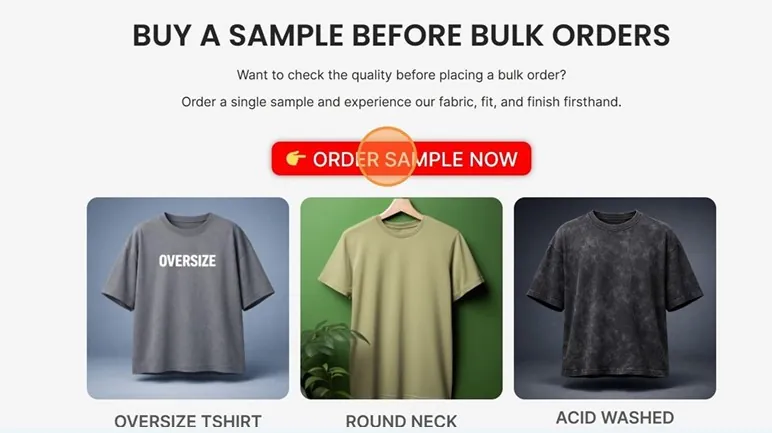
  1. Click Order Sample Now. Click Order Sample Now — PrintzyHub app screenshot
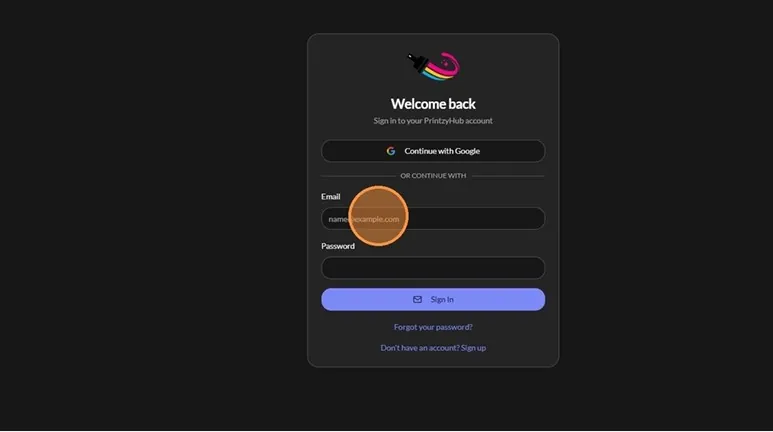
  2. Sign in with Continue with Google, or Sign Up with an email and password. Sign in with Continue with Google, or Sign Up with an email and password — PrintzyHub app screenshot
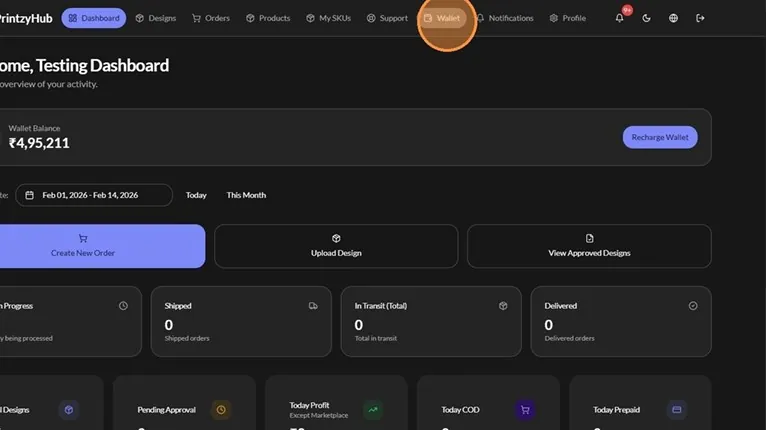
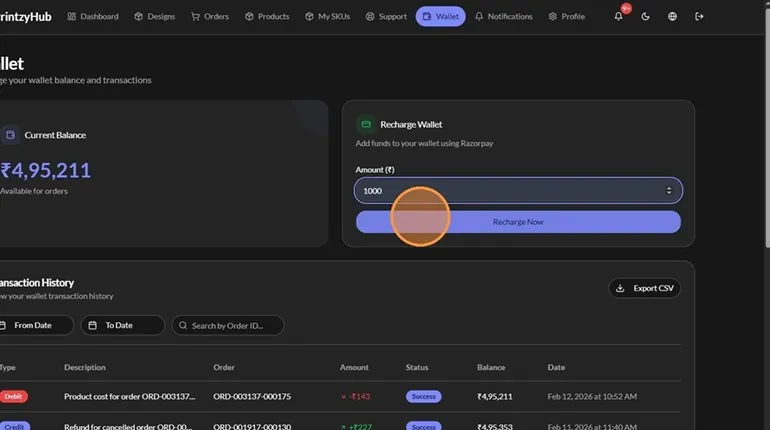
  3. Open the Wallet. Open the Wallet — PrintzyHub app screenshot
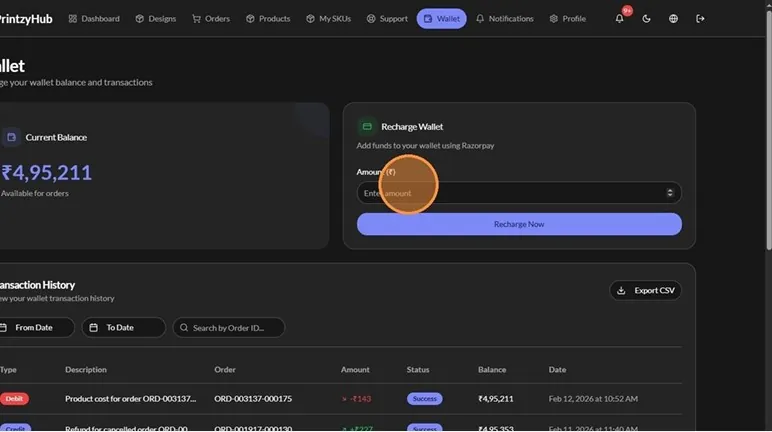
  4. Enter the amount to add. Enter the amount to add — PrintzyHub app screenshot
  5. Click Recharge Now and pay by card, UPI or net banking. Click Recharge Now and pay by card, UPI or net banking — PrintzyHub app screenshot
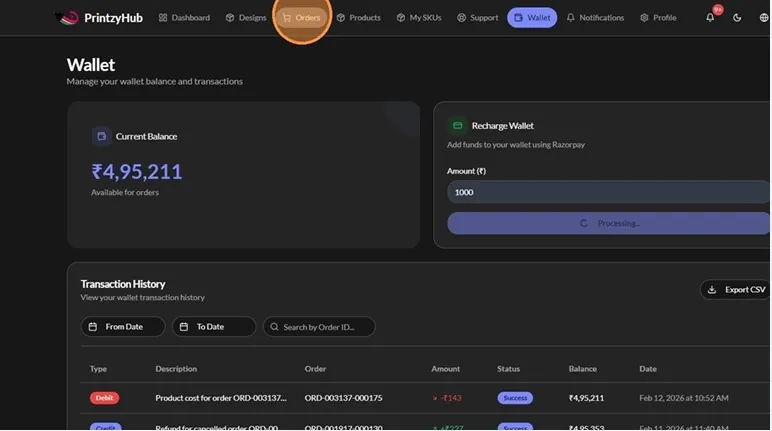
  6. Go to Orders. Go to Orders — PrintzyHub app screenshot
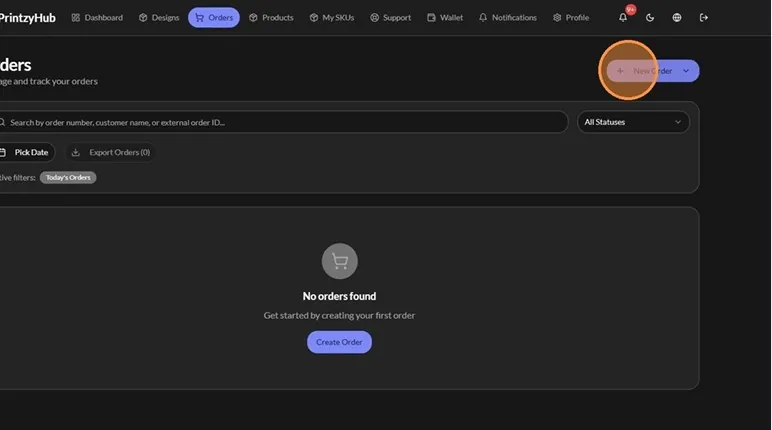
  7. Click New Order. Click New Order — PrintzyHub app screenshot
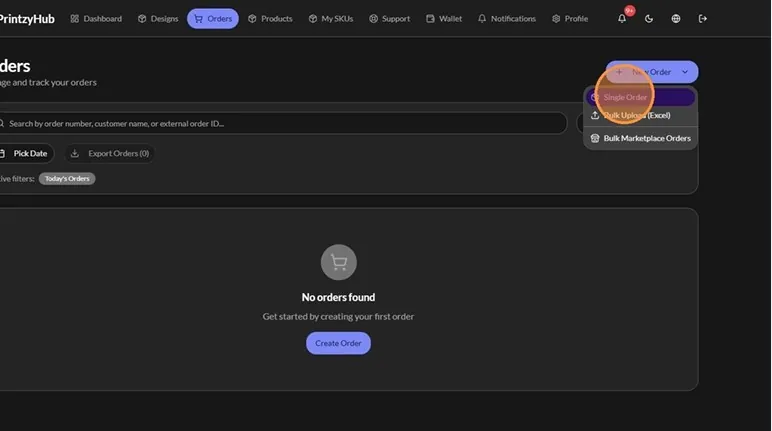
  8. Choose Single Order. Choose Single Order — PrintzyHub app screenshot
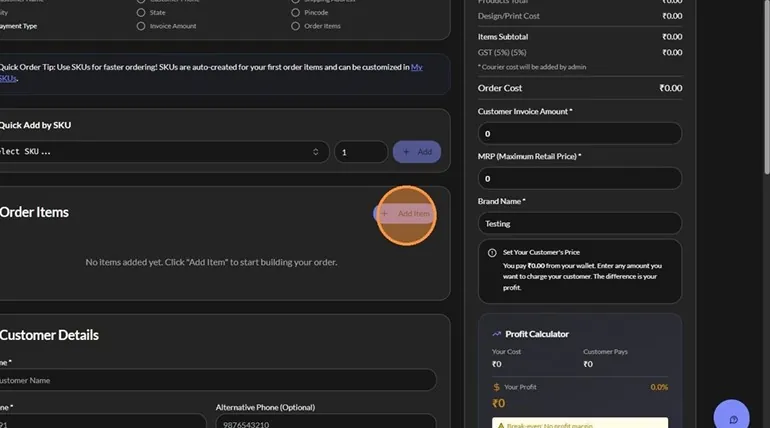
  9. Click Add Item. Click Add Item — PrintzyHub app screenshot
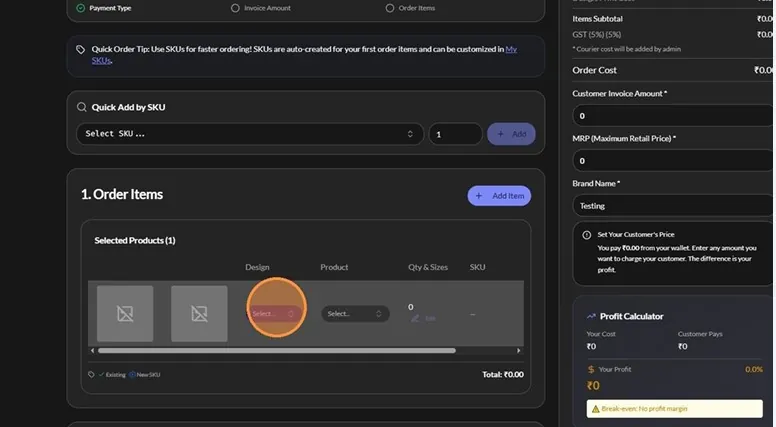
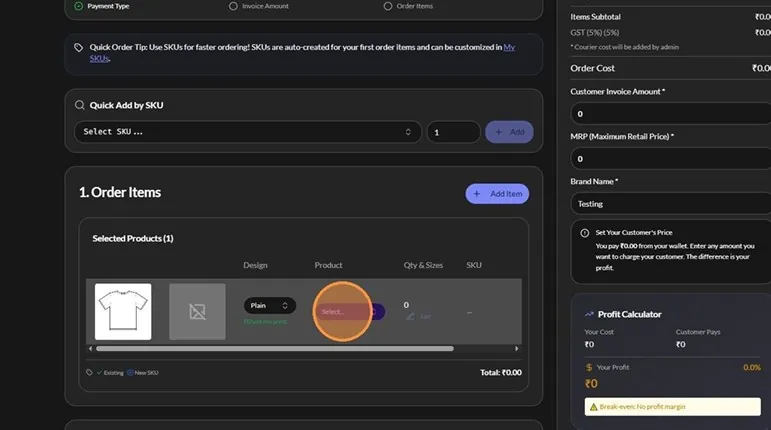
  10. In the design dropdown, select Plain. Design dropdown in the new order form Plain selected in the design dropdown
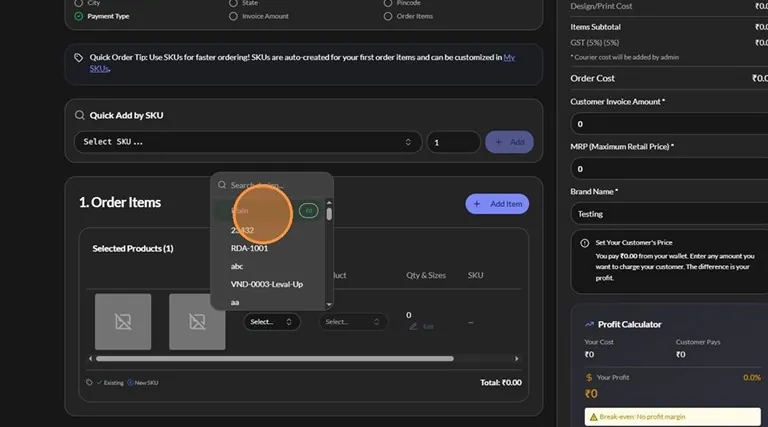
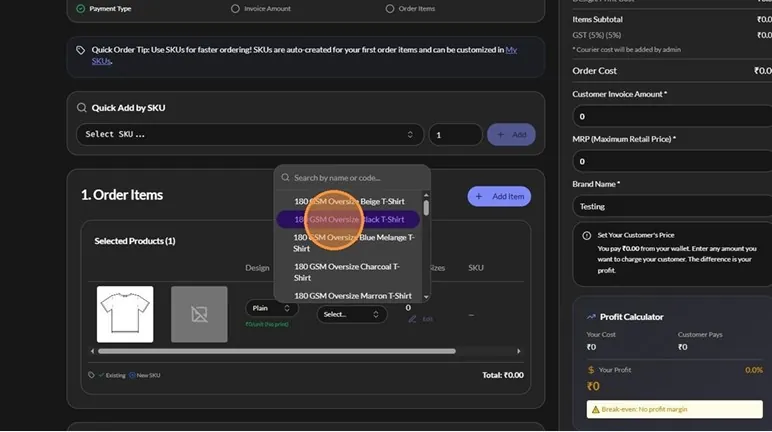
  11. Select the product. Product dropdown in the order item Choosing a product from the list
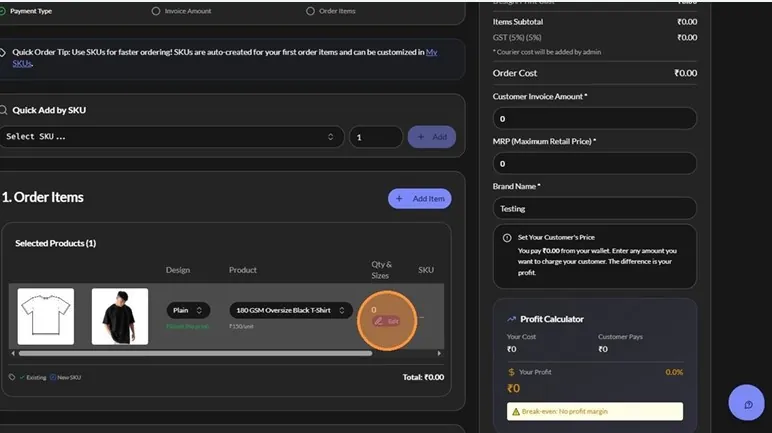
  12. Enter the quantity. Enter the quantity — PrintzyHub app screenshot
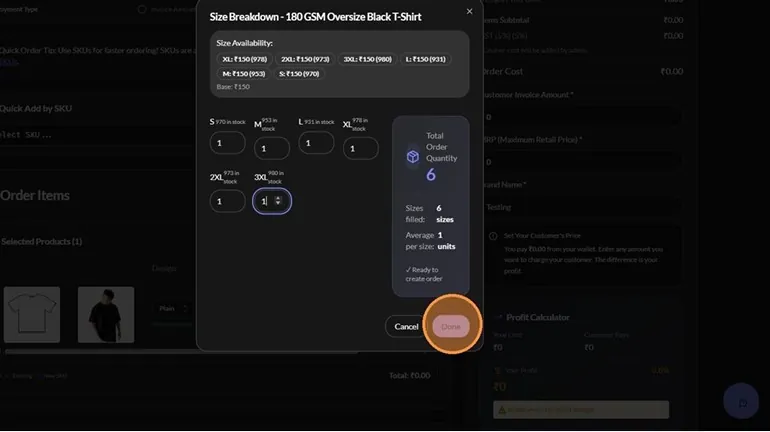
  13. Select the size. Select the size — PrintzyHub app screenshot
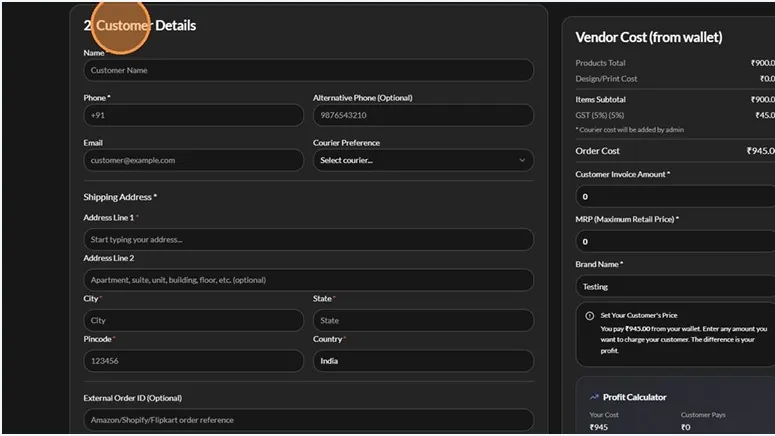
  14. Fill in the customer details. Fill in the customer details — PrintzyHub app screenshot
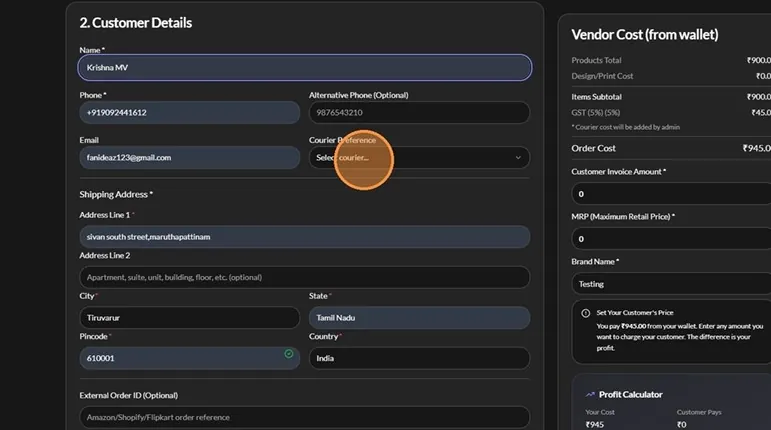
  15. Select a courier. Select a courier — PrintzyHub app screenshot
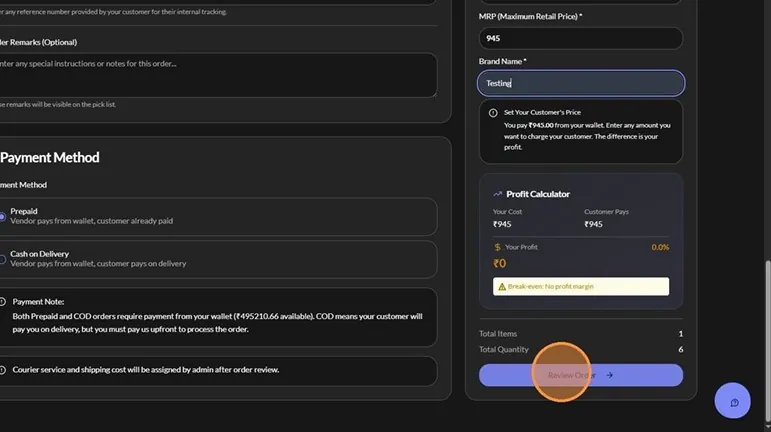
  16. Choose the payment method: Prepaid or COD. Choose the payment method: Prepaid or COD — PrintzyHub app screenshot
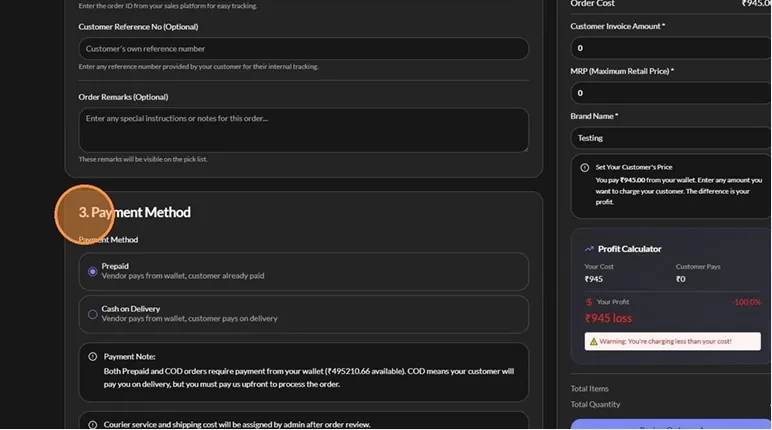
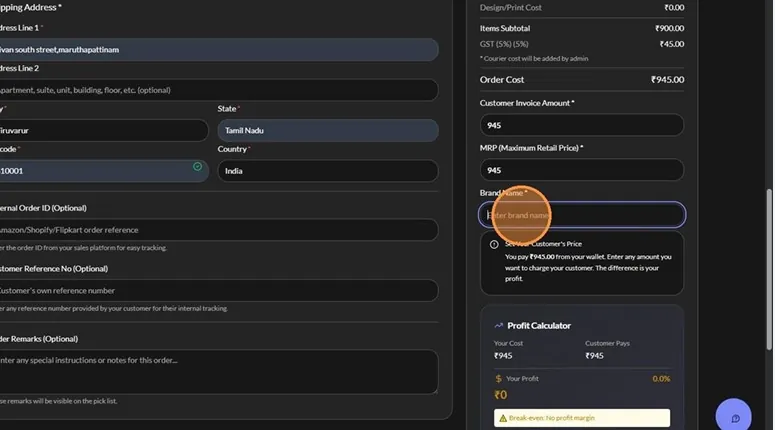
  17. Enter the order cost in both the Customer Invoice Amount and MRP fields. Enter the order cost in both the Customer Invoice Amount and MRP fields — PrintzyHub app screenshot
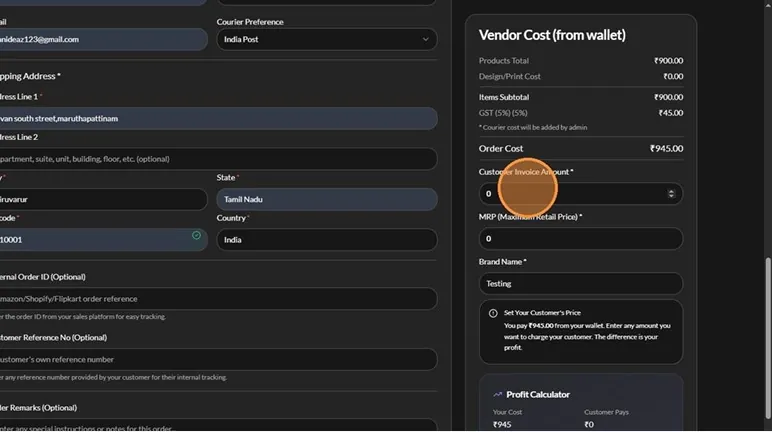
  18. Enter your brand name. Enter your brand name — PrintzyHub app screenshot
  19. Click Review Order. Click Review Order — PrintzyHub app screenshot
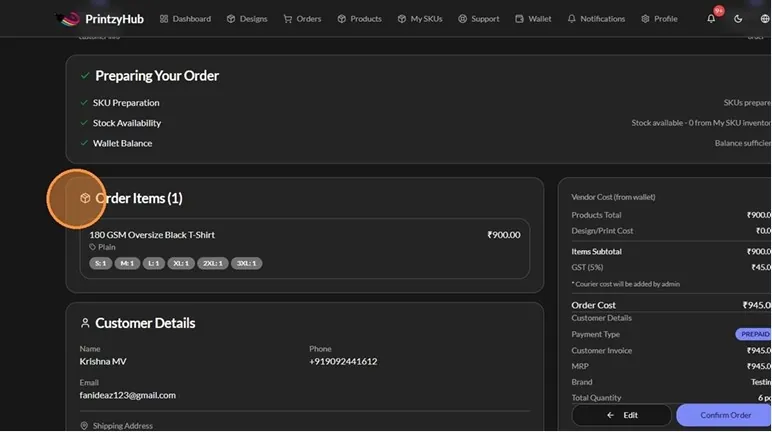
  20. Check the order details.
  21. Click Confirm Order. Order review and Confirm Order button — PrintzyHub app screenshot
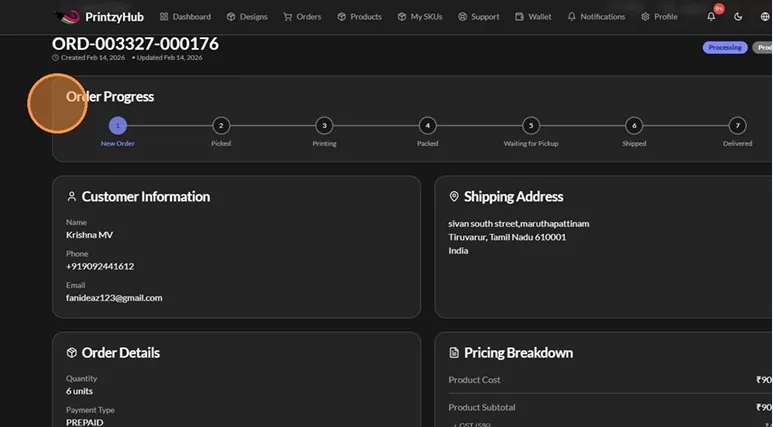
  22. Track the order’s live status. Track the order's live status — PrintzyHub app screenshot

Important Notes

  • Choose the courier closest to your delivery location, since availability varies by area.
  • Picking the nearest available courier helps avoid delays.
  • Courier charges are separate, vary by location and courier partner, and must be paid with the sample order.